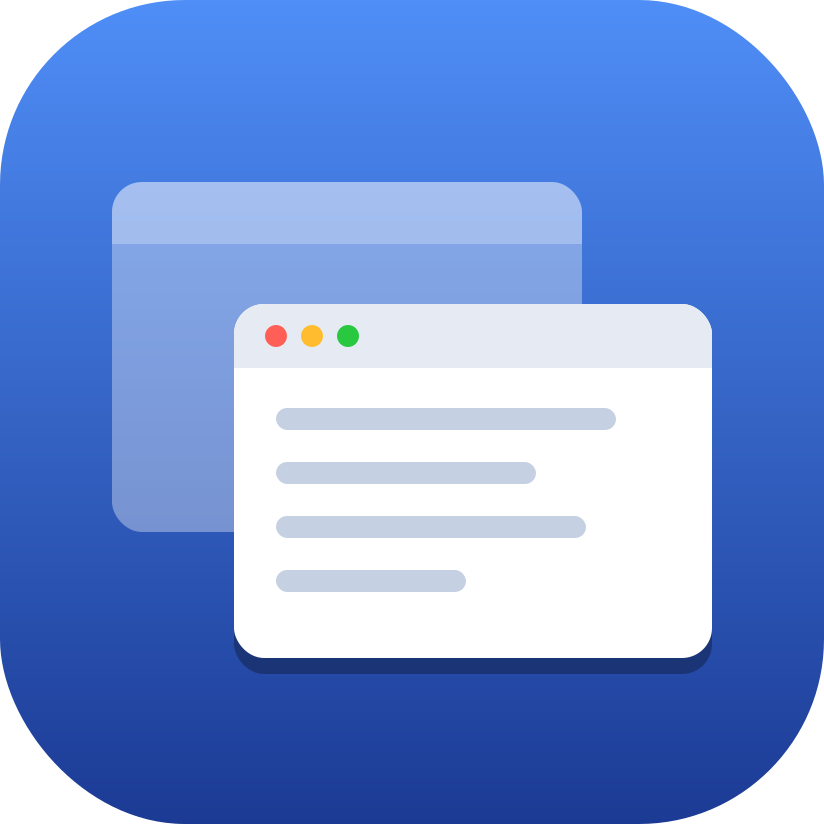
A window for every app
Each Windows app gets its own windows, Dock icon, menu bar name, and place in ⌘ Tab. Keep it in the Dock to open it again.
Open apps from your Windows PC in their own windows on your Mac—with Dock icons, Mac shortcuts, and shared copy and paste.
For Macs with Apple silicon (not Intel) · macOS 14 Sonoma or later
Your apps run on your Windows PC. Work with them right alongside the apps on your Mac.
Each Windows app gets its own windows, Dock icon, menu bar name, and place in ⌘ Tab. Keep it in the Dock to open it again.
Copy and paste text and images between your computers. Use ⌘C, ⌘V, and ⌘S, with the same keyboard layout as your Mac.
Close the lid or change Wi-Fi. Seamless reconnects to the same Windows session, with your apps still running there.
seamless ctl connects hosts, opens apps, takes screenshots, and sends clicks and keystrokes, with JSON output. Run seamless ctl help --agent for the full agent guide.
seamless ctl connect Desktop --wait
seamless ctl run Desktop --wait-window notepad.exe --json
seamless ctl screenshot Desktop --window 65606 -o notepad.png
Use the window ID returned by the run command in the screenshot command.
Seamless uses Remote Desktop, which Windows already has. There's nothing to install on the PC.
Download it, or install it with Homebrew from the davidcorbin/casks tap.
brew install davidcorbin/casks/seamless
Turn on Remote Desktop, then let it run apps on their own: paste this into PowerShell as an administrator. Seamless has the same steps under Help.
New-Item -Path 'HKLM:\SOFTWARE\Microsoft\Windows NT\CurrentVersion\Terminal Server\TSAppAllowList' -Force | Out-Null
Set-ItemProperty -Path 'HKLM:\SOFTWARE\Microsoft\Windows NT\CurrentVersion\Terminal Server\TSAppAllowList' -Name fDisabledAllowList -Type DWord -Value 1
New-Item -Path 'HKLM:\SOFTWARE\Policies\Microsoft\Windows NT\Terminal Services' -Force | Out-Null
Set-ItemProperty -Path 'HKLM:\SOFTWARE\Policies\Microsoft\Windows NT\Terminal Services' -Name fAllowUnlistedRemotePrograms -Type DWord -Value 1
Enter its address and your Windows account. Seamless lists the PC's apps: pin the ones you use, and open them from the Library, the menu bar or Spotlight.
Yes. Seamless is free to download and use.
No. Seamless doesn't run Windows on your Mac. It connects over Remote Desktop to a Windows machine you already have, such as a PC, a server or a cloud VM. Your programs run there, at full speed and with that machine's files and hardware, and their windows show up on your Mac.
Windows 10 or 11 Pro or Enterprise, or Windows Server, with Remote Desktop turned on. Windows Home can't accept Remote Desktop connections, so it doesn't work. There's nothing to install on the PC: an administrator runs four PowerShell commands once to let it run single apps. Without administrator rights, desktop mode shows the whole Windows desktop in one Mac window instead.
No. Seamless needs a Mac with Apple silicon (M1 or later) and macOS 14 Sonoma or later.
Only to the PC you connect to, over Remote Desktop's encrypted login (NLA), and only after Seamless has checked that PC's certificate. If you ask it to, Seamless saves the password in your Mac's Keychain, never in a file. Seamless has no accounts and no analytics: apart from your PCs, the only thing it connects to is its update feed.
Yes. The seamless ctl command connects hosts, opens programs, takes screenshots of their windows, clicks, types, presses keys and waits for windows to appear, with JSON output for every command. seamless ctl help --agent prints a guide written for agents.
brew install davidcorbin/For Macs with Apple silicon (not Intel) · macOS 14 Sonoma or later